Google Home Is Opening Its Automations to AI Agents. Here’s What That Changes
Google Home AI automations are entering a new phase. In release notes posted November 11, Google said its Home MCP early access program now lets a personal AI agent view, create and update household automations. That could make it easier to turn a plain-language request into a routine, while raising practical questions about control, compatibility and safety.
What Google announced
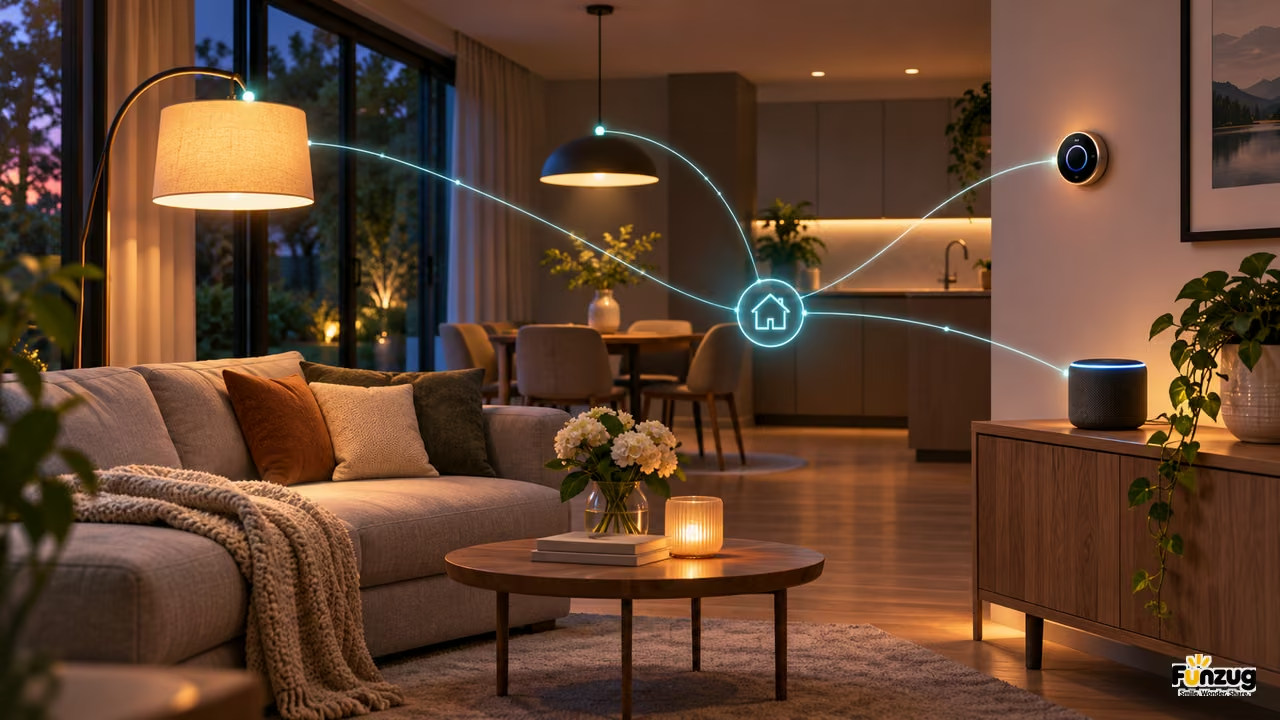
The change is part of Google Home MCP, an early access feature described in Google’s November 11 release notes. The company says an agent can work with automations already created in the Home app or through Home MCP. It can view, create and update those automations, in addition to checking device status and controlling supported devices.
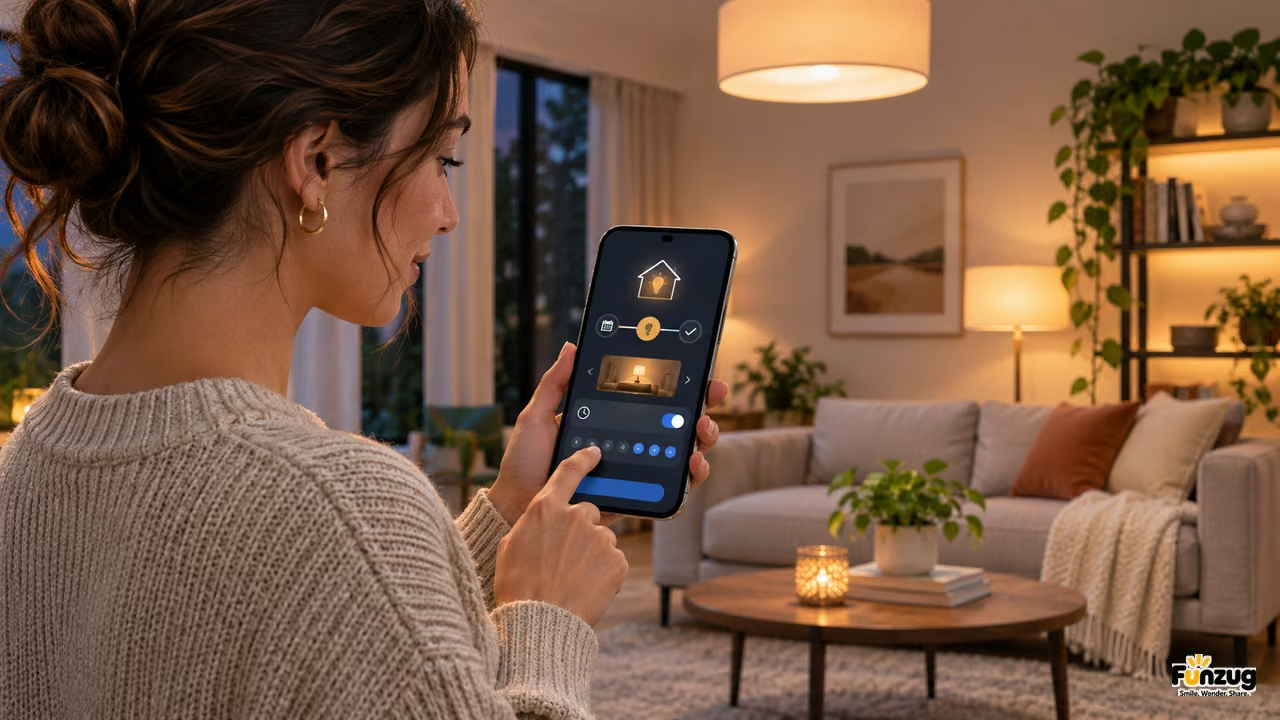
That matters because a smart home routine is often easier to imagine than to configure. A person might want lights to dim and a thermostat to adjust when a household switches to evening mode. Traditionally, that means moving through menus, selecting devices, choosing conditions and checking that the routine behaves as intended. Google Home AI could help translate the goal into steps, though users still need to verify the result.
Google Home AI is an agent interface, not a promise of universal automation
The announcement does not mean every Google Home user already has the feature or that every device can take part. Home MCP is described as early access, and support depends on the device capabilities Google exposes. The release notes name expanded status checks and controls for categories including thermostats, fans, air purifiers, robot vacuums, lighting effects, kitchen appliances, EV chargers and smoke or carbon monoxide alarms.
Availability also matters. Early access features can roll out gradually and may require enrollment, compatible software or supported hardware. Google’s release notes say some features take time to reach everyone, even after installing the latest app. Readers should check the official announcement and device compatibility information before planning around an automation.
Safety limits are part of the design
Google says sensitive security actions remain blocked for agents. It also says agents cannot permanently delete routines yet; a user can turn an automation off through an agent or delete it directly in the Home app. Those limits make the system less autonomous, but they also keep people in control of consequential settings.
That distinction is useful. A routine that adjusts lights is different from an action that unlocks a door or changes a security setting. When an AI agent operates connected devices, it should be clear what it can change, which devices are included and how to reverse the change. People sharing a home may also need to agree on routines that affect everyone.
Anyone trying an agent-created routine can start with a low-stakes task, then inspect the saved steps in the Home app. Check whether the trigger matches the request, whether the right room is selected and what happens if a device goes offline. That small review helps expose the difference between a routine that sounds right in conversation and one that performs reliably in a real home.
What to watch next
The key test for Google Home AI will be whether agents can build routines accurately enough to save time without making their logic harder to understand. Useful controls should show the trigger, conditions and devices involved, and make it simple to edit or disable the automation. A quick confirmation step can also catch mistaken assumptions, such as choosing the wrong room or device.
For now, Google Home AI automation is best understood as an early access tool for people who want to experiment with agent-assisted setup. It could lower the effort required to build a useful routine, but reliability, privacy, access and device support will determine whether it becomes part of everyday home management. Funzug’s technology coverage follows practical developments in connected devices and consumer software.